Bring your work
Add a screenshot, recording or public media link. Keep your sources in the media library and reuse them across compositions.
 CraftbenchMockup Maker
Free to use. Yours to create.
Give your screenshots and recordings a place to shine. Create device mockups, stills and animations, right in your browser.
Start creatingNo account. No installation. Your media stays on your device.
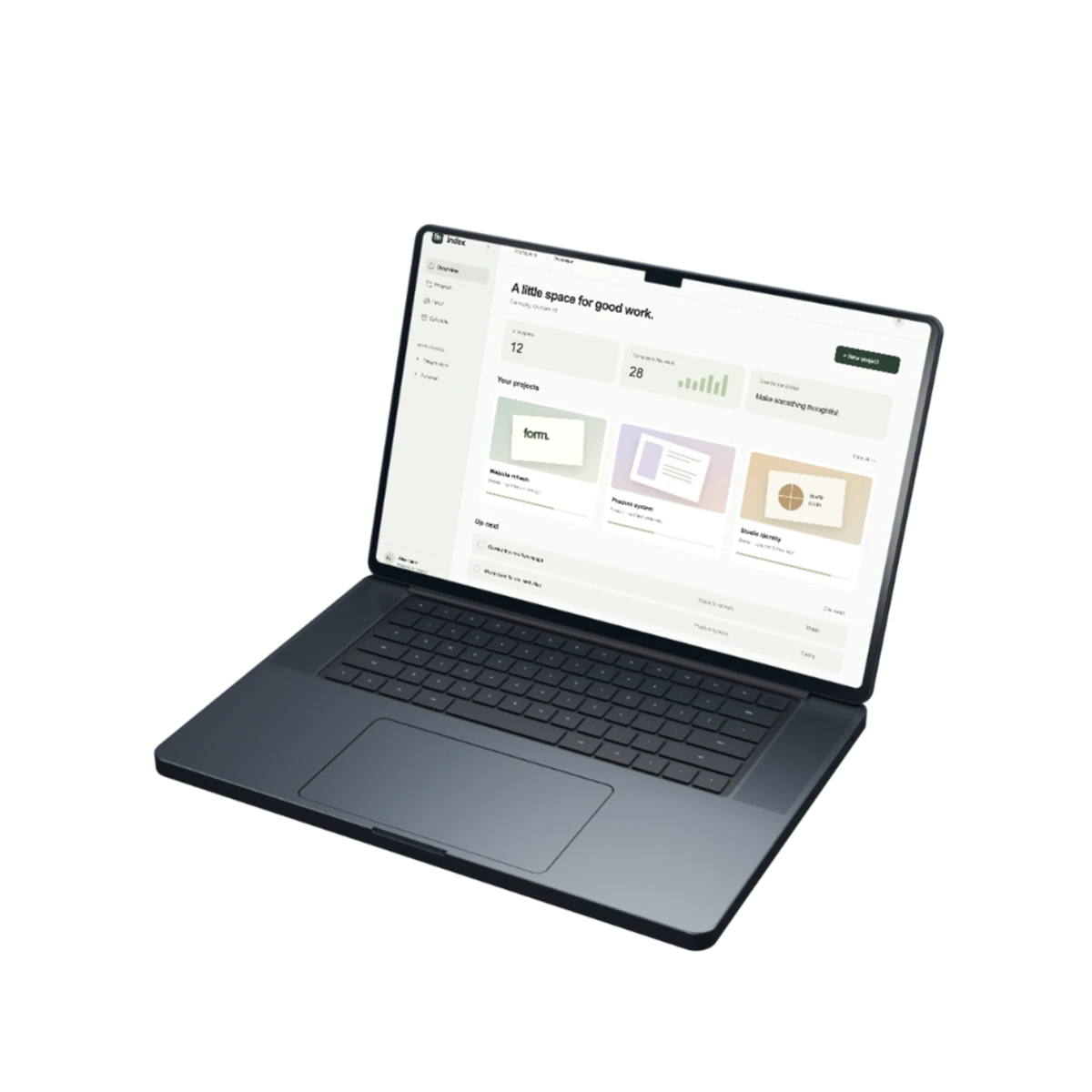
From screenshot to showcase
Add a screenshot, recording or public media link. Keep your sources in the media library and reuse them across compositions.
Choose a device or a deviceless layout. Adjust the view, arrange layers, add text and shape the motion with an editable timeline.
Export an image, render a video or download a self-contained website. Save a project file to pick up where you left off.
Your browser. Your workspace.
Editing, rendering and project saving happen on your device. Your dashboard keeps projects in this browser, with folders and local recovery.
Download a .mockup file for a separate backup or to move between browsers and devices. Browser storage belongs to each address: import a project file to bring work from the LAN demo.
Stills, rendered video and web compositions.
One complete editor.
Yes. Mockup Maker is free to use for this release, with no account or payment required.
In this browser, on this device. Keep downloaded .mockup backups: clearing browser data, private browsing or storage eviction can remove local projects. Projects are not automatically shared between the LAN address and this website.
Local files, editing and rendered exports stay on your device. When you paste a public media URL, the app may retrieve that original through its download relay if the source cannot be read directly. The relay streams that file without saving it.
PNG, JPEG and WebP, plus AVIF and JPEG XL through bundled encoders. Video formats depend on browser support. Web compositions export as a portable website ZIP, and editable projects download as .mockup files.
A recent desktop version of Chrome or Edge is the best-tested starting point. Available video encoders vary by browser and device. Image export and the editor show an explicit error if a requested format is unavailable.